WiTS Screen Shots

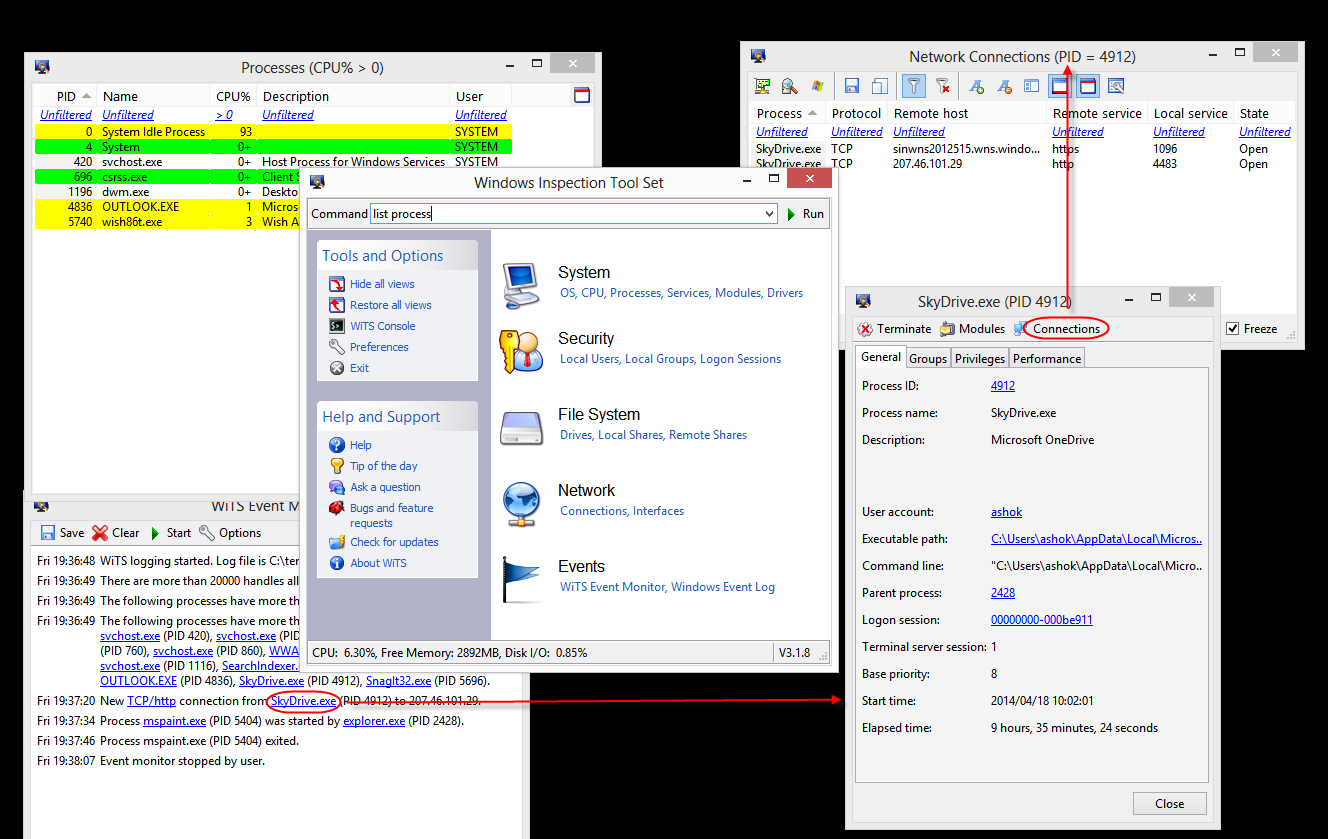
Below is a sample screen shot that shows how various views are linked together. Clicking on the PID field in the Network Connections window will bring up the property page for that process. Similarly, the Executable path field in the process property page links to the property page for that file. All object types supported by WiTS are linked together in this fashion.

screenshots (90K)

Windows Inspection Tool Set V2.1 Privacy policy